

Wix Website Expert: Optimizing for SEO Success in 2024
When I first started building websites on Wix, I thought creating a beautiful site was enough. Boy, was I wrong. After months of watching my carefully crafted pages sit in digital obscurity, I realized that without proper SEO optimization, even the most stunning Wix website might as well be invisible to search engines. If you’re a Wix user struggling to get your site noticed, you’re not alone, and more importantly, you’re in the right place.
The truth is, Wix has come a long way in terms of SEO capabilities. Gone are the days when choosing Wix meant sacrificing search engine visibility. Today’s Wix platform offers robust SEO tools that, when used correctly, can help your website compete with sites built on any other platform. The key lies in understanding how to leverage these tools effectively.

Understanding Wix SEO Fundamentals
Before diving into advanced optimization techniques, it’s crucial to grasp what makes Wix SEO unique. Unlike traditional content management systems where you might need plugins or extensive coding knowledge, Wix has integrated SEO tools directly into its editor. This integration is both a blessing and a challenge – while it makes SEO more accessible, it also means you need to understand the platform’s specific approach to optimization.
Wix generates clean HTML code automatically, which is a significant improvement from its earlier versions. The platform now supports proper heading structures, meta descriptions, and URL customization – all essential elements that search engines use to understand and rank your content. However, the real magic happens when you learn to work with Wix’s built-in SEO Wiz and manual optimization features.
Mastering Wix SEO Wiz and Setup Checklist
The Wix SEO Wiz is your first stop for basic optimization. This tool walks you through fundamental SEO steps, but don’t let its simplicity fool you – it covers critical ground that many website owners overlook. The wizard helps you connect Google Search Console, set up Google Analytics, and optimize your site’s basic structure.
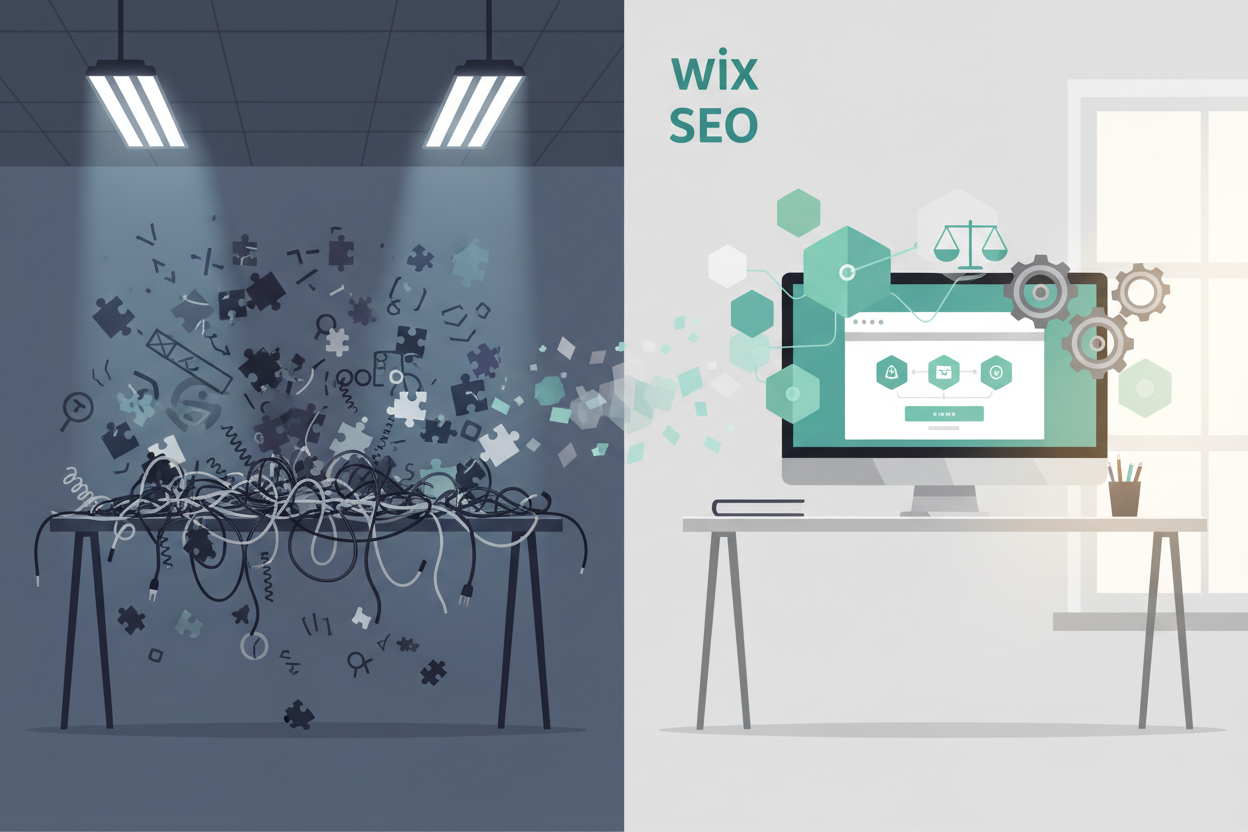
However, relying solely on the SEO Wiz is like learning to drive in an empty parking lot – it’s a good start, but you’ll need more skills for real-world success. After completing the wizard, focus on creating a comprehensive SEO checklist that includes keyword research, competitor analysis, and content strategy planning. These elements form the foundation of any successful SEO campaign.
One aspect I’ve learned to prioritize is the initial site structure setup. Before adding content, spend time organizing your site’s hierarchy logically. This means creating clear navigation paths, establishing proper internal linking structures, and ensuring your most important pages are easily accessible from your homepage.
Technical SEO Optimization for Wix Websites
Technical SEO on Wix requires a different approach than you might use on WordPress or other platforms. The good news is that Wix handles many technical aspects automatically, including SSL certificates, mobile responsiveness, and basic site speed optimization. However, there are still several areas where manual intervention can significantly improve your site’s performance.
Site speed remains a crucial ranking factor, and while Wix has made improvements in this area, there’s still work you can do. Image optimization is perhaps the most impactful change you can make. I’ve seen site speeds improve dramatically simply by compressing images before uploading and choosing the right file formats. Wix’s automatic image optimization helps, but starting with properly sized images makes a noticeable difference.
URL structure optimization is another area where Wix users can gain an edge. The platform allows you to customize URLs for each page, and taking advantage of this feature is essential. Instead of accepting auto-generated URLs filled with random characters, create clean, keyword-rich URLs that accurately describe your page content.
The robots.txt file and XML sitemap are handled automatically by Wix, but you should still monitor these through Google Search Console to ensure they’re working correctly. Occasionally, you might need to request reindexing for new pages or troubleshoot crawling issues that appear in your search console reports.
Content Optimization Strategies That Actually Work
Content remains king in the SEO world, and Wix provides excellent tools for content optimization once you know how to use them effectively. The key is understanding that great SEO content serves both search engines and human readers – a balance that requires careful attention to both technical requirements and user experience.
Keyword integration on Wix should feel natural and purposeful. I’ve found that the most successful approach involves targeting one primary keyword per page while incorporating related long-tail keywords throughout the content. Wix’s SEO panel for each page makes it easy to set your focus keyword and track how well you’ve optimized for it, but don’t become so focused on the tool’s suggestions that you sacrifice readability.
Header tag optimization deserves special attention on Wix sites. The platform makes it easy to structure your content with proper H1, H2, and H3 tags, but many users don’t take full advantage of this feature. Your H1 should clearly state what the page is about, while H2 and H3 tags should create a logical content hierarchy that guides readers through your information.
Meta descriptions and title tags are your first opportunity to attract clicks from search results. Wix allows you to customize these for every page, and doing so can significantly improve your click-through rates. Write compelling meta descriptions that accurately describe your content while encouraging users to visit your site.
Local SEO for Wix Business Websites
If you’re running a local business, Wix offers specific features that can help you dominate local search results. The platform integrates seamlessly with Google My Business, and setting up this connection should be one of your first priorities. This integration helps ensure consistency between your website information and your Google Business Profile.
Local keyword optimization requires a strategic approach that goes beyond simply adding your city name to every page. Focus on creating location-specific content that provides real value to local searchers. This might include local event coverage, community involvement stories, or location-specific service pages that address unique local needs.
Schema markup for local businesses is automatically handled by Wix in many cases, but you should verify that your business information is marked up correctly. This structured data helps search engines understand your business details and can improve your chances of appearing in local search features like map packs and knowledge panels.
Advanced Wix SEO Techniques for Competitive Markets
As your Wix SEO skills develop, you’ll want to explore more advanced techniques that can give you an edge in competitive markets. These strategies require more time and effort but can produce significant results when implemented correctly.
Internal linking strategy becomes crucial as your site grows. Wix makes it easy to link between pages, but strategic internal linking involves more than just connecting related content. Focus on creating topic clusters where pillar pages cover broad topics and cluster pages dive deep into specific subtopics, all connected through strategic internal links.
Content freshness signals are important for SEO, and Wix’s blog functionality makes it relatively easy to keep your site updated with fresh content. However, don’t just focus on adding new content – regularly updating and improving existing pages can be just as valuable. Set up a content maintenance schedule to review and refresh your most important pages regularly.
User experience signals are becoming increasingly important for SEO, and Wix provides tools to optimize these factors. Pay attention to your site’s bounce rate, time on page, and user engagement metrics. These signals tell search engines whether visitors find your content valuable and relevant.
Monitoring and Measuring Your Wix SEO Success
SEO success doesn’t happen overnight, and measuring your progress requires the right tools and metrics. Google Search Console should be your primary monitoring tool, providing insights into how search engines view your site and which queries bring visitors to your pages.
Google Analytics integration with Wix gives you detailed information about user behavior on your site. Focus on organic traffic growth, but also pay attention to engagement metrics like pages per session and average session duration. These metrics help you understand whether your SEO efforts are attracting the right kind of traffic.
Keyword ranking tools can help you track your progress for specific search terms, but remember that rankings can fluctuate daily. Focus on long-term trends rather than daily changes, and always prioritize user-focused metrics over vanity metrics like keyword positions.
Common Wix SEO Mistakes to Avoid
Through years of working with Wix sites, I’ve seen the same mistakes repeated countless times. Learning to avoid these pitfalls can save you months of frustration and help you achieve better results faster.
Over-optimization is perhaps the most common mistake I see. In an effort to rank well, some site owners stuff keywords into every possible location, creating content that feels unnatural and provides poor user experience. Search engines have become sophisticated enough to recognize and penalize this behavior, so focus on creating genuinely helpful content instead.
Neglecting mobile optimization is another critical error. While Wix sites are automatically mobile-responsive, this doesn’t mean your mobile experience is optimized. Test your site on various devices and screen sizes to ensure navigation, readability, and functionality work well across all platforms.
Ignoring page load speed can severely impact your SEO efforts. Even though Wix handles many technical aspects automatically, you still need to optimize images, minimize unnecessary apps, and keep your design efficient. A beautiful site that loads slowly will struggle to rank well in search results.
Future-Proofing Your Wix SEO Strategy
SEO is constantly evolving, and staying ahead of changes requires a forward-thinking approach. Wix regularly updates its SEO capabilities, so staying informed about new features and best practices is essential for long-term success.
Voice search optimization is becoming increasingly important, and this trend will likely continue growing. Focus on creating content that answers specific questions in a natural, conversational tone. Long-tail keywords and FAQ-style content perform well for voice searches.
Artificial intelligence is changing how search engines understand and rank content. This means focusing on user intent and content quality becomes even more critical. Create comprehensive, authoritative content that thoroughly addresses user needs rather than trying to game the system with technical tricks.
The integration of social signals and brand mentions in SEO algorithms suggests that building a strong online presence beyond just your website is becoming more important. Use your Wix site as the hub of your digital presence, but don’t neglect social media, online reviews, and other brand-building activities.
Mastering Wix SEO requires patience, persistence, and a willingness to continuously learn and adapt. The platform provides excellent tools for optimization, but success ultimately depends on how effectively you use these tools to create valuable, user-focused experiences. Remember that SEO is a long-term investment – focus on building a strong foundation with quality content and technical optimization, and the results will follow. Whether you’re just starting your Wix SEO journey or looking to take your existing site to the next level, the strategies outlined here will help you build a website that both search engines and users will love.
No More BS – Get a FREE Consultation
No more BS. Let’s talk real world $#!+ about what you need. You’ll meet with our top dog, and you’ll leave with a better understanding of what you need to do, and how RyCOM might help.